Clear Property Communication
Custom Real Estate Panels
Make the property message easy to recognize. Make the next step easy to find.
Create a custom panel for a listing, open-house event, brokerage program, development, or property campaign. Start with the message that matters, then share your artwork and project context with Real Print. The right panel system, display context, and proof path are reviewed with you before production.
Project options, compatibility, proof requirements, and commercial terms are confirmed with Real Print before production.
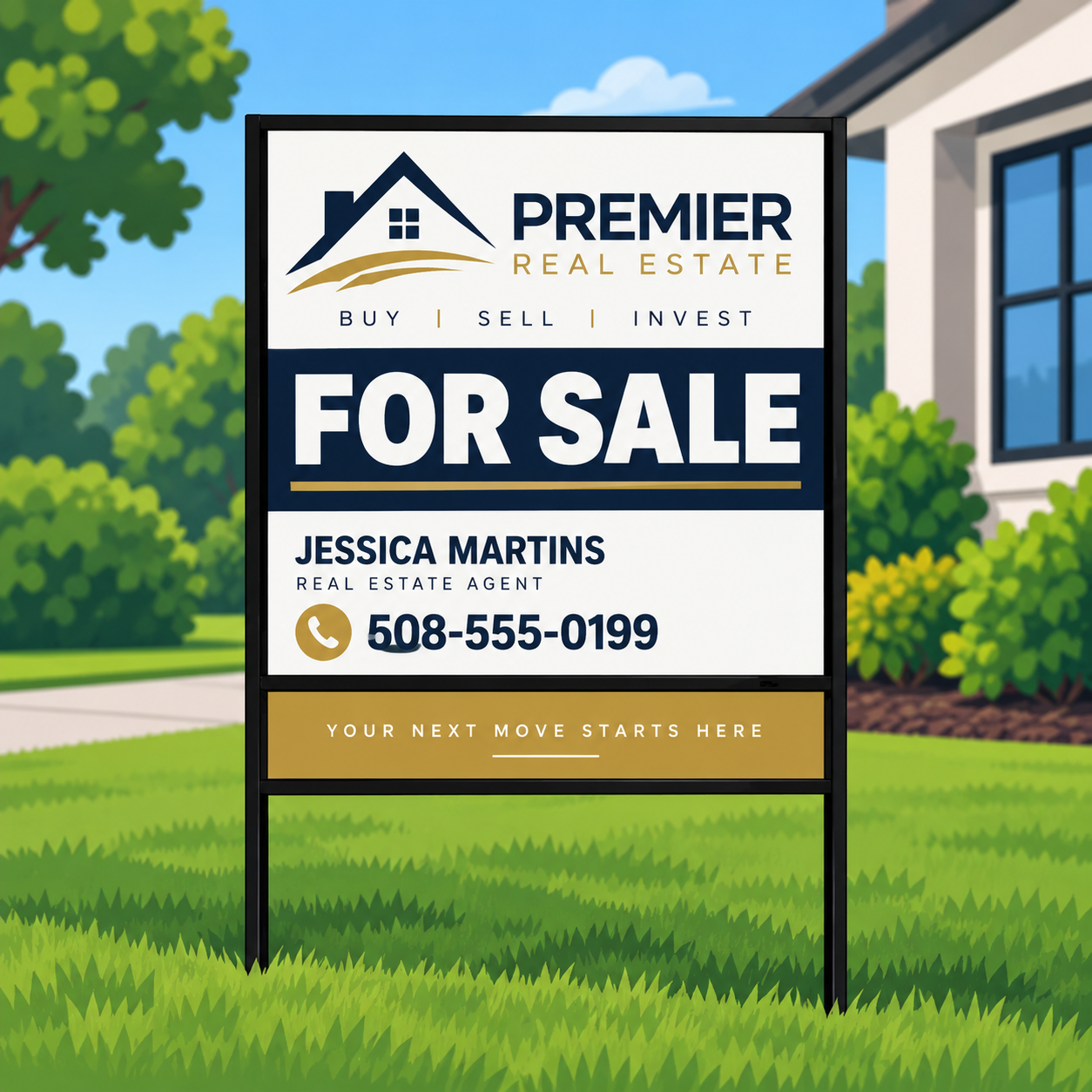
Property listing
Give the property, your brand, and the next action a clear visual hierarchy.
Open-house event
Plan a focused event message and coordinate supporting components when the project needs them.
Status update
Keep the main message organized while preparing a separate status or timing message when appropriate.
Brokerage program
Standardize approved logo, contact, and layout decisions across a team or portfolio.
Start with the message, not an assumption about the hardware.
A panel is the main visual and message component of a property campaign. It carries the property identity, your brand, and the next step you want someone to take — so the message hierarchy comes first, and every physical decision follows from it.
A smaller companion message can be useful when an event, status, or callout changes, but it must be reviewed with the selected display context. Do not order around an assumed fit with generic, existing, or competitor-branded hardware.
| Project element | Role in the message | What Real Print reviews before production |
|---|---|---|
| Primary panel | Carries the main property, listing, or campaign message. | Artwork, intended display context, and the confirmed project configuration. |
| Companion status message | Communicates a changing event, status, or callout alongside the main message. | How the companion piece relates to the primary panel and the selected display context. |
| Display hardware | Holds or presents the panel in the intended setting. | Customer-supplied photos, measurements, and brand/model information before any compatibility decision. |
| Reorder or approved brand kit | Keeps repeat projects consistent across a team or portfolio. | Approved logo, contact, and layout decisions already on file for the program. |
Choose the right starting path for your project.
Upload finished artwork.
Send the file after the project path and review requirements are clear.
Personalize an approved layout.
Begin with an original Real Print layout built around your authorized brand assets.
Request design support.
Share the property message, approved logo files, content hierarchy, and desired response path so the team can prepare a reviewable proof.
Using a logo, listing photograph, property detail, or brokerage asset requires the customer to hold the necessary rights and approvals.
A compatibility review prevents avoidable rework.
If you already have a frame, post, or display system, provide any requested photos, measurements, brand/model information, and project context. Compatibility, mounting or finishing needs, and any companion-message relationship are reviewed before inclusion in an order.
Available project options may vary; the final configuration is confirmed in writing by Real Print.
Prepare artwork for a useful proof review.
- Use the artboard or template supplied for the confirmed project configuration.
- Lead with the property or campaign message that matters most.
- Recheck every phone number, email address, website, social handle, and agent or brokerage identifier.
- Test every QR destination on a mobile device before approving it.
- Confirm permission to use every logo, listing image, photograph, and message.
- Keep important text away from production-sensitive edges identified in the final template.
- Use legible type and contrast appropriate to the intended viewing context.
- Confirm that status, event, or directional copy says exactly what the campaign needs.
- Review any version, name, address, or variable-data matrix carefully.
- Treat the proof as the final review of the artwork and configuration shown.
How your project moves from message to proof.
Step 1
Tell us the message
Start with what the panel has to communicate: the property, the campaign, and the single action you want a passerby to take.
Step 2
Choose the artwork path
Upload finished artwork, personalize an approved layout, or request design support from the Real Print team.
Step 3
Share your display context
Tell us where and how the panel will be presented, including any existing frame, post, or display system you plan to use.
Step 4
Review the proof
Check the artwork and the configuration shown in the proof carefully before approving anything.
Step 5
Approve the project workflow
Production begins only after the project’s approved proof and commercial workflow are complete.
Plan display and placement responsibly.
Before displaying any panel or related sign, verify current local rules, property-owner or HOA requirements, brokerage policy, property permission, and any permit requirement. Do not place signs where prohibited, on property without permission, or in a way that obstructs people, vehicles, sight lines, accessibility, or emergency access. This product is not traffic-control equipment, and Real Print does not authorize placement in a roadway, public right-of-way, median, clear zone, or other restricted area.
Questions buyers ask before they request a panel project.
What is a real estate panel?
A real estate panel is the main visual component of a property campaign — a printed panel that carries the listing, event, brokerage, or development message in a display setting. Real Print treats it as a custom project: the message, artwork, and display context are reviewed with you before anything is produced.
Can I create one for a listing, event, or development?
Yes. Panels are planned around listings, open-house events, brokerage programs, developments, and property campaigns. Share the setting and the message with Real Print and the team will review the right project path with you before production.
Can I upload my own artwork?
Yes — once the project path and review requirements are clear, you can send finished artwork for review. The artwork should follow the artboard or template supplied for your confirmed project configuration, and the proof is the final review before production.
Can Real Print help with design?
Yes. You can personalize an approved Real Print layout with your authorized brand assets, or request design support by sharing the property message, approved logo files, content hierarchy, and the response path you want. The team prepares a reviewable proof before anything moves forward.
Can I add a status message or companion component?
A smaller companion message can be useful when an event, status, or callout changes while the main message stays the same. Whether and how it works depends on your selected display context, so Real Print reviews the relationship between the primary panel and any companion piece before including it in an order.
Will it work with my existing frame, post, or hardware?
That is never assumed. If you have an existing frame, post, or display system, provide the photos, measurements, brand/model information, and project context Real Print requests. Compatibility, mounting or finishing needs, and any companion-message relationship are reviewed before anything is included in an order. Do not order around an assumed fit with generic, existing, or competitor-branded hardware.
Can the message be different on each side?
Message arrangements depend on the confirmed project configuration. If your campaign needs more than one message or viewing direction, describe that in your project request and Real Print will confirm what the reviewed configuration supports in writing.
What size or material should I choose?
There is no universal answer, and this page does not list sizes or materials because the right choice depends on your display context, viewing distance, and project goals. Start with the message and the setting; Real Print reviews suitable project options with you and confirms the final configuration before production.
How do I install or display the panel?
Display and installation depend on the confirmed configuration and your setting. Share how and where you plan to display the panel during the review, and Real Print will confirm the relevant details for your project. Always verify property permission and local rules before placing any sign.
Do I need a permit or approval?
Possibly. Before displaying any panel or related sign, verify current local rules, property-owner or HOA requirements, brokerage policy, property permission, and any permit requirement. Real Print does not review or authorize placement, and this product is not traffic-control equipment — never place it in a roadway, public right-of-way, median, clear zone, or other restricted area.
Related products
Ready to organize your property message around a clearer next step?
Share your listing, event, brokerage, or project context and Real Print can review the right path before production.